
For a more personalized touch, I strongly recommend creating your own site icon and logo. This way, your readers can instantly associate similar-looking things with you and recognize you and your brand.
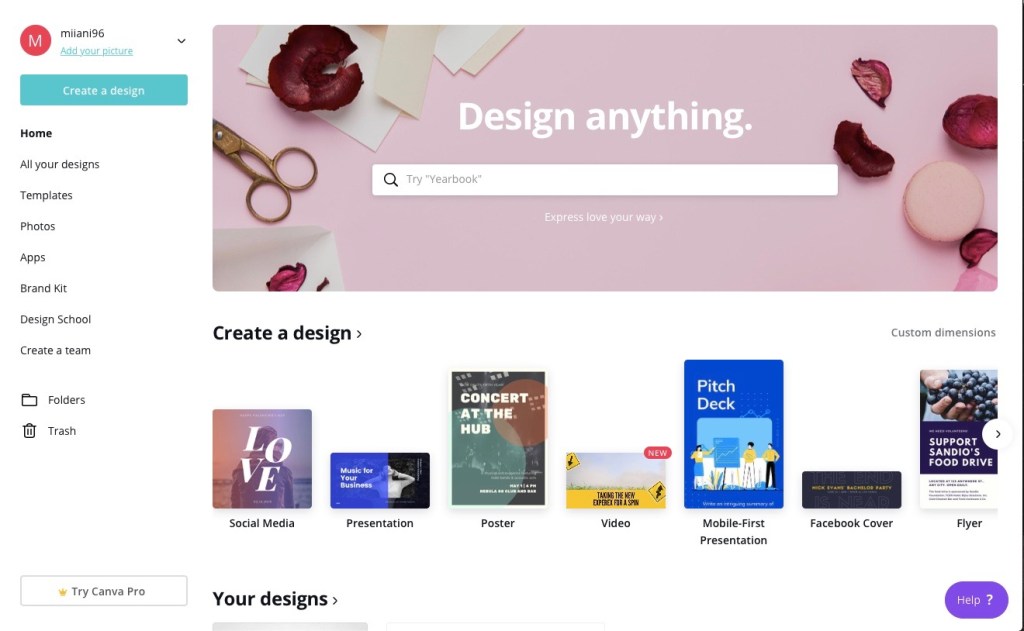
An easy way to get started is to use a built-in app on your laptop, like Windows Paint, or lacking that, a free website. I myself used a template for my icon and logo at http://www.canva.com since I already had an account there. Canva allows you to access and design all sorts of cool things.
Another tool you can use is https://editor.freelogodesign.org. They provide easy and clear instructions for how to create your logo.
When designing and creating your icon and logo, it’s important to remember to have the right dimensions; in this case, 500 x 500 pixels would do the job for the icon and 200 x 200 pixels for the logo.
You may want to include elements of your life or personality in your icon/logo. This contributes to the more personal look and feel of your blog or website, and helps you feel more invested as well.
Check in later for more!
 Miia's Blog